📋
Paste Recipe Text and Let AI Structure It
Copy recipe text from a message, email, note, or website. Paste it into Cookonut and AI organizes it into a clean recipe with structured ingredients and steps.
Import via Paste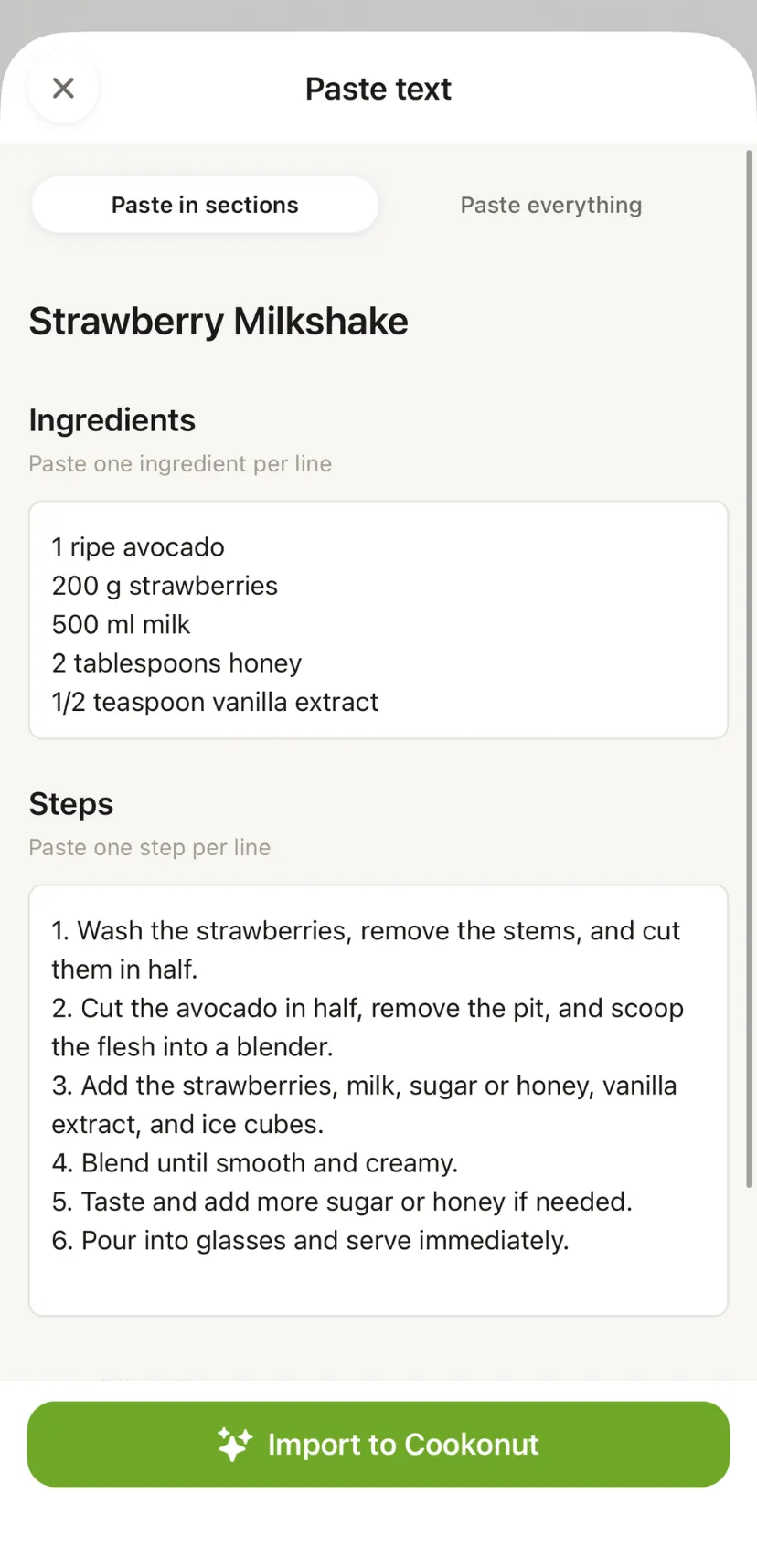
📝
Any Text Source
Works with text copied from emails, messages, notes, websites, or any other app.
⚡
AI Structuring
AI processes the text and separates title, servings, ingredients, and instructions for you.
How It Works
1
Copy the recipe
Copy recipe text from any source — email, message, website, or document.
2
Paste into Cookonut
Tap the + button, open Add recipe, choose Paste text, and paste the text.
3
Review and save
AI structures the recipe. Review, edit, and save.
Related Features
Start Saving Recipes Today
Free. No ads. No credit card required.