Four Home Screen Widgets to Keep Cookonut in Sight
Cookonut ships with four home screen widgets — from your grocery list to today's meals. Glance at what's for dinner, check items off while shopping, or save a recipe in one tap, all without opening the app.
Add Cookonut to Your Home Screen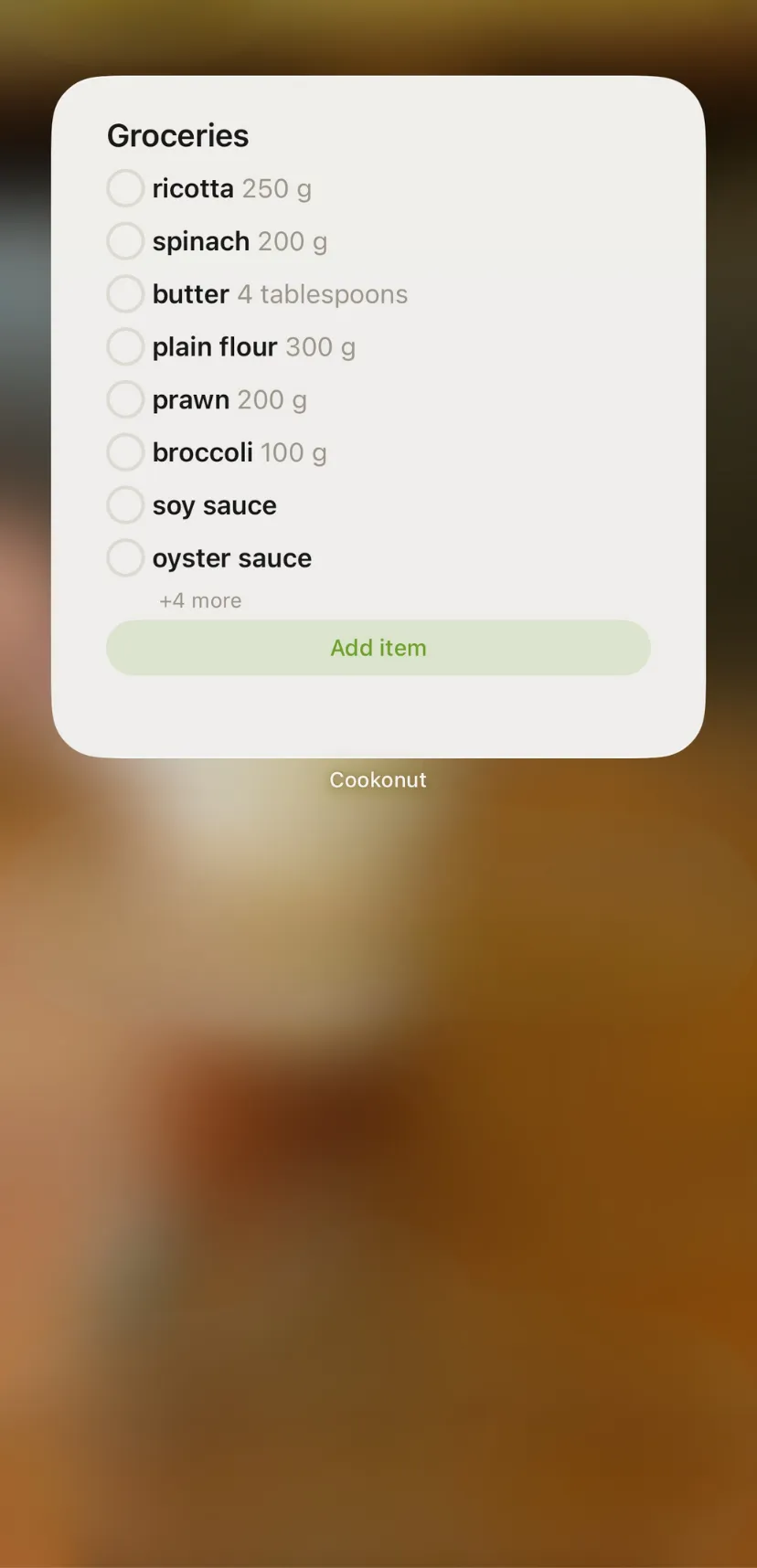
Groceries
Your shopping list at a glance. Check off items straight from the home screen. Small, medium, and large sizes.
Today's Meals
See your next upcoming meal — a glance is enough. Small size.
Meal Plan Week
Your whole week at a glance. Know what's cooking every day without opening the app. Medium and large sizes.
Quick Actions
Save a recipe in one tap — from a link, photo, voice note, or write it manually. Small and medium sizes.
How It Works
Open your home screen
Long-press an empty area to enter edit mode.
Add a Cookonut widget
Tap the + button, search for Cookonut, and pick the widget and size you want.
Done
Your widget stays in sight and auto-refreshes as your recipes, plan, and list change.
Related Features
Start Saving Recipes Today
Free. No ads. No credit card required.