
Dictate a Recipe by Voice
Articles in this section
🚀 Getting Started
📥 Importing Recipes
- How to Import Recipes
- Import from a Website
- Import from Instagram
- Import from Facebook
- Import from TikTok
- Import from Pinterest
- Import from YouTube
- Scan a Recipe from Photo
- Dictate a Recipe by Voice
- Import by Pasting Text
- Use the In-App Browser
- Write a Recipe from Scratch
- Review & Edit Before Saving
- Understanding Import Credits
📂 Managing Recipes
👨🍳 Cooking Mode
📅 Meal Planning
🛒 Grocery List
📤 Sharing & Export
💳 Billing & Subscription
⚙️ Account & Settings
ℹ️ About Cookonut
💡 Ideas & Feedback
Sometimes the best way to capture a recipe is to just say it out loud. Whether grandma is sharing her famous pie recipe, you’re recalling a dish from memory, or you’re watching a cooking show, Cookonut’s voice dictation turns your spoken words into a structured recipe.
How to Dictate a Recipe
- Open Cookonut and go to the Recipes tab
- Tap the + button
- Choose Dictate recipe
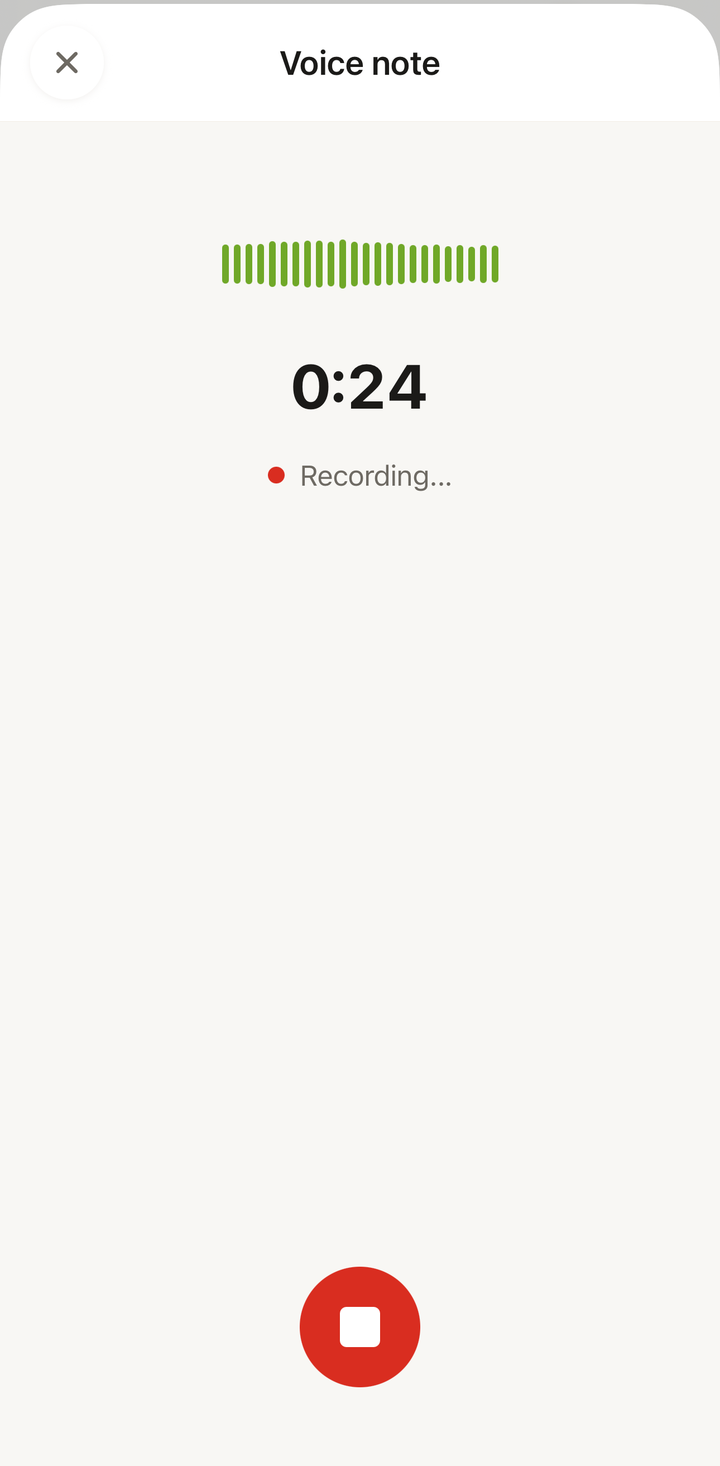
- Tap the microphone button to start recording
- Speak the recipe clearly — include the title, ingredients with quantities, and the steps
- Tap Stop when you’re finished
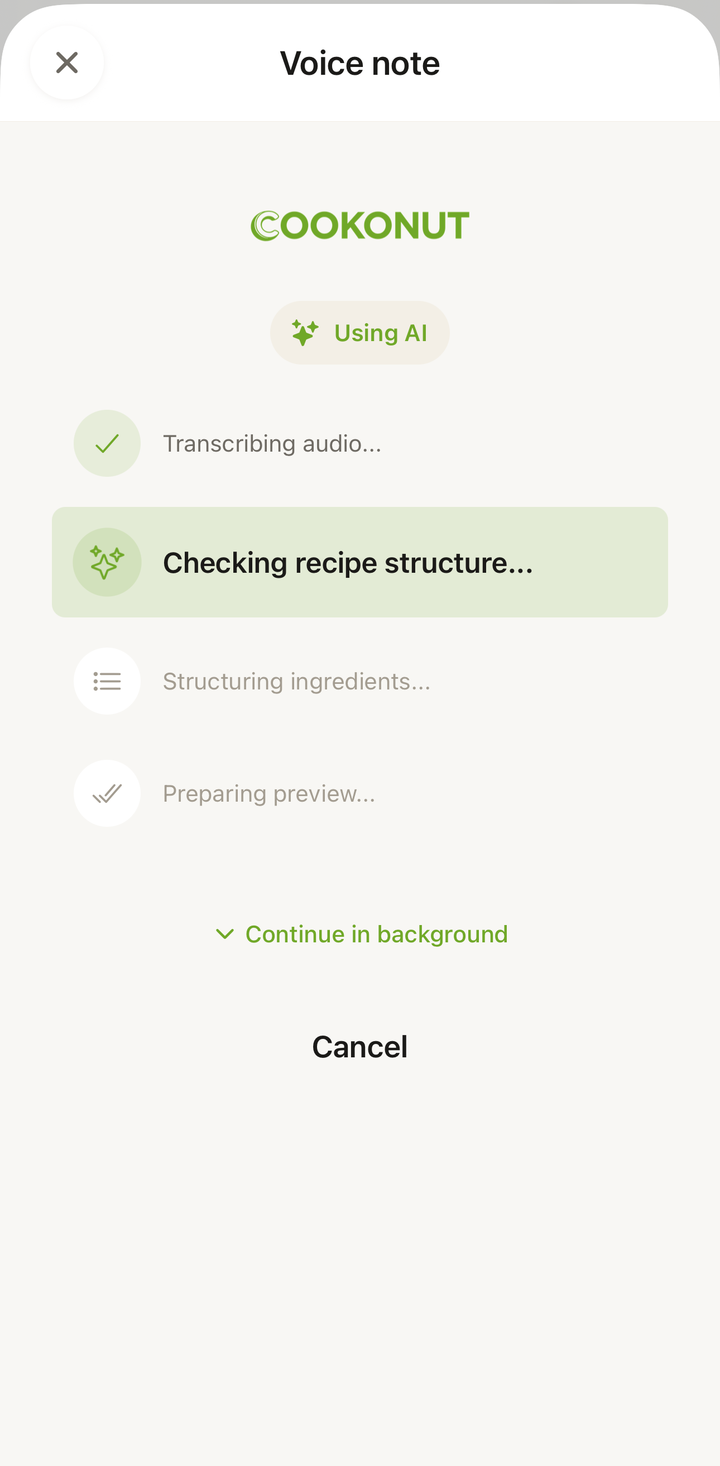
- Wait a moment while Cookonut processes your voice into a recipe
- Review the result on the import preview screen
What to Say
Cookonut works best when you speak naturally but include key details. Here’s an example of a good dictation:
“Chicken stir-fry. You’ll need 500 grams of chicken breast, two tablespoons of soy sauce, one tablespoon of sesame oil, two cloves of garlic, one bell pepper, and a cup of rice. First, slice the chicken into strips and marinate it in soy sauce for ten minutes. Heat sesame oil in a wok, add minced garlic and cook for thirty seconds. Add the chicken and stir-fry for five minutes. Slice the bell pepper and add it to the wok. Cook for another three minutes. Serve over cooked rice. Serves two.”
You don’t need to be formal or follow a specific format — Cookonut will figure out the structure.
Tips for Better Voice Imports
- Speak clearly and at a moderate pace — you don’t need to rush
- Include quantities — “two cups of flour” is better than “some flour”
- Mention the recipe name at the beginning
- State servings if you know them — “serves four” or “makes twelve cookies”
- Find a quiet spot — background noise can interfere with accuracy
- Hold the phone at a normal distance, about a foot from your mouth
Great Scenarios for Voice Import
Capturing family recipes — Have grandma (or any family member) tell you the recipe while you record. This is one of the most popular uses of voice import.
Recipes from memory — If you know a recipe by heart but never wrote it down, just say it and Cookonut saves it for you.
Watching cooking shows — Pause the show, dictate what you saw, and save it.
Hands are busy — If you’re in the middle of something and want to save a recipe idea, voice is the fastest option.
After Dictation
Once Cookonut processes your recording, you’ll see the recipe on the import preview screen. Voice imports may need a bit more editing than website imports:
- Check that ingredient quantities were heard correctly (e.g., “two” vs. “to”)
- Verify that steps are broken into logical chunks
- Add prep time and cook time if you didn’t mention them
- Add tags and assign a cookbook
Tap Save when you’re satisfied.
Credit Usage
Each voice import uses 1 credit from your monthly pool. Free plan users get 10 credits per month; Premium users have unlimited imports.
Troubleshooting
Nothing was recognized — Make sure your microphone permissions are enabled for Cookonut in your phone’s settings. Try recording in a quieter environment.
Quantities are wrong — Numbers can sometimes be misheard. Double-check all quantities in the preview and correct as needed.
Recipe is jumbled — If you paused or went back to correct yourself during recording, the result may need reorganizing. Edit the steps in the preview to get the right order.
Thanks for your feedback! We're glad it helped.