
Import from Pinterest
Articles in this section
🚀 Getting Started
📥 Importing Recipes
- How to Import Recipes
- Import from a Website
- Import from Instagram
- Import from Facebook
- Import from TikTok
- Import from Pinterest
- Import from YouTube
- Scan a Recipe from Photo
- Dictate a Recipe by Voice
- Import by Pasting Text
- Use the In-App Browser
- Write a Recipe from Scratch
- Review & Edit Before Saving
- Understanding Import Credits
📂 Managing Recipes
👨🍳 Cooking Mode
📅 Meal Planning
🛒 Grocery List
📤 Sharing & Export
💳 Billing & Subscription
⚙️ Account & Settings
ℹ️ About Cookonut
💡 Ideas & Feedback
Pinterest is one of the most popular places to discover recipes, but keeping track of pinned recipes across dozens of boards can get messy. With Cookonut, you can import those recipes into a single, organized collection — complete with ingredients, steps, and everything you need to cook.
How to Import from Pinterest
Share the pin straight from Pinterest to Cookonut.
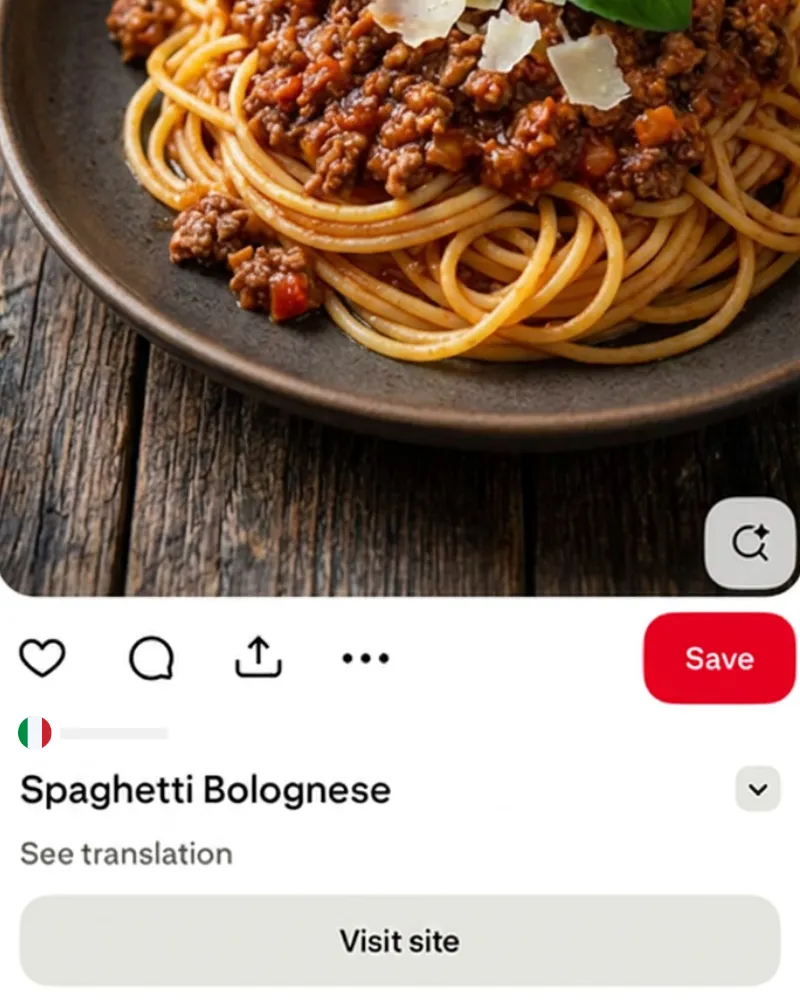
tap Share
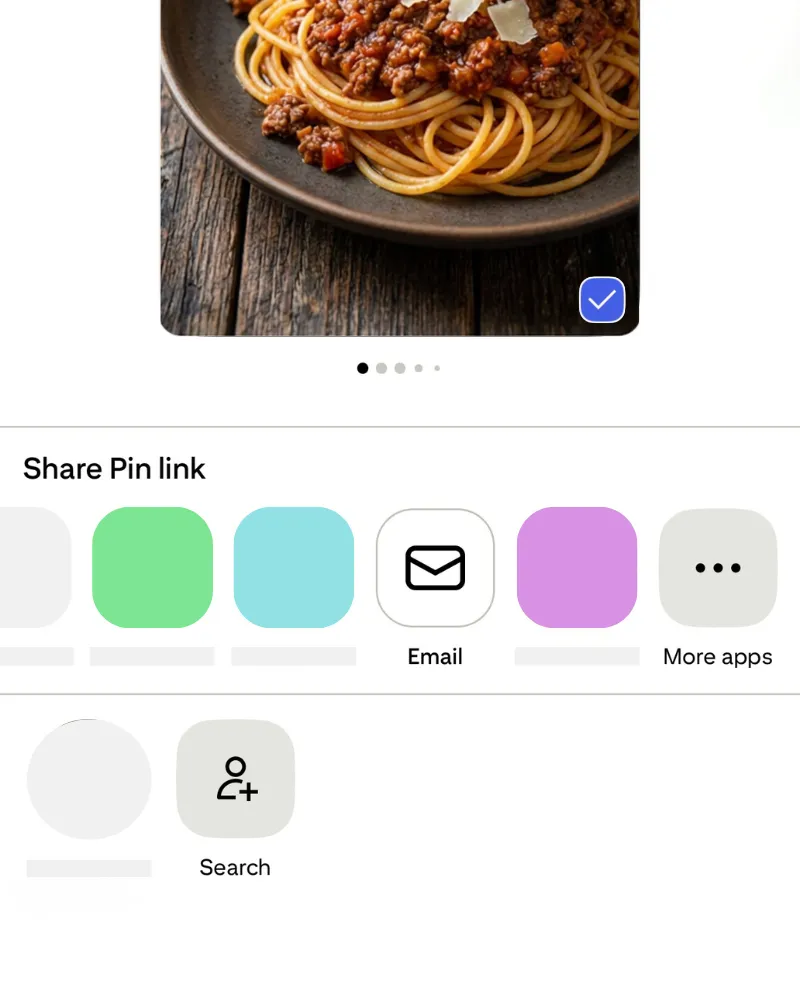
tap More apps
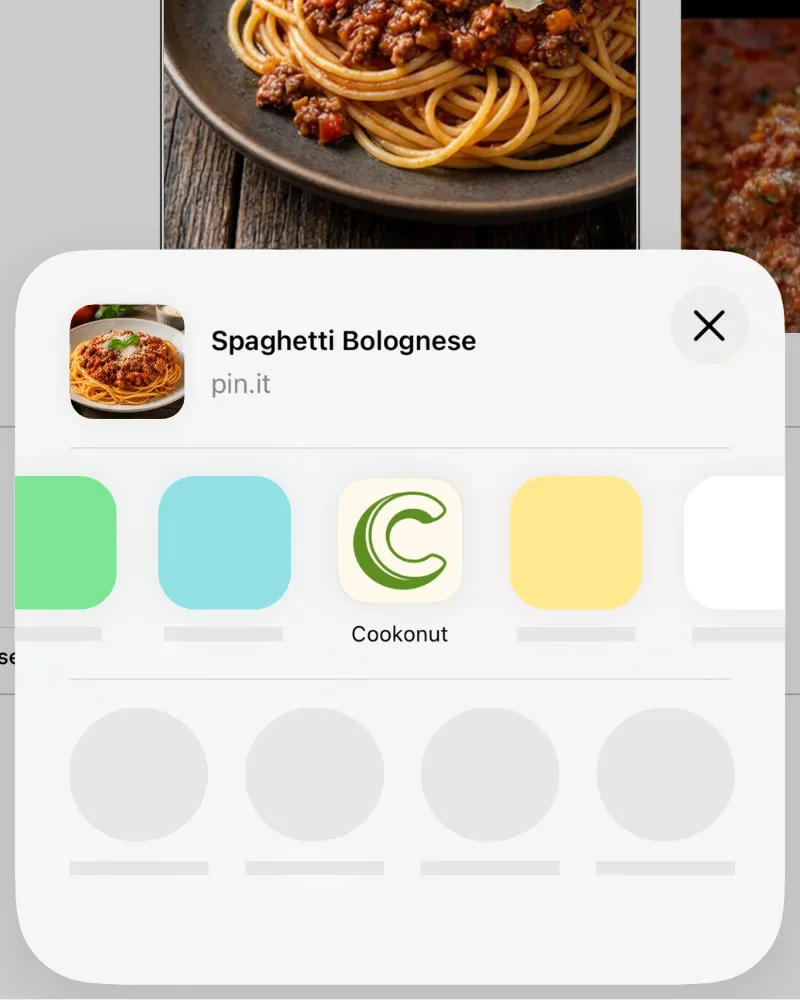
tap Cookonut
- Open the Pinterest pin with the recipe
- Tap the share icon
- Select Cookonut from the sharing options
- The link is pre-loaded — tap Import
The screenshots above show iOS. On Android the flow is the same through the share menu (use the iOS and Android tabs at the top).
Tip: Import the source blog instead
Many Pinterest pins link to an original recipe blog. For the best results, open the pin, tap the image or the Visit button to reach the original website, and import that blog page — blog pages have more structured recipe data, which produces cleaner imports.
What Cookonut Extracts
Cookonut checks a pin in layers and only moves on when the previous layer didn’t give a complete recipe:
- The linked recipe page — when the pin links to a blog or website
- Pin description
- Text on the pin image
- Video pins — for pins up to 90 seconds, AI watches the video, reading it straight from Pinterest’s servers
Depending on what’s available, you may get the title, ingredients, instructions and a photo. If the recipe came from the pin image, description or video, the preview shows a notice asking you to double-check amounts and step order.
Tips for Better Pinterest Imports
- Pins that link to recipe blogs import best because Cookonut can access the full, structured recipe page
- Native Pinterest recipes (created directly on Pinterest) also work well
- Image pins with the recipe written on the picture are read — pins that are just a photo still need ingredients and steps added manually
- Idea Pins and video pins — for a multi-page Idea Pin only the first image is read; video pins up to 90 seconds are watched by AI, longer ones rely on the description
Pinterest vs. Blog: Which Link to Use?
If a Pinterest pin links to a blog post, you’ll generally get better results by importing the blog URL directly. Here’s why:
- Blog pages usually have detailed, structured recipe data
- Pinterest descriptions are often shortened or summarized
- The blog URL avoids an extra redirect, making the import faster
That said, importing the Pinterest link works fine in most cases — Cookonut will follow the redirect automatically.
Credit Usage
Each Pinterest import uses 1 credit from your monthly pool. Free users get 10 credits per month; Premium users have unlimited imports. The credit covers every layer — you never pay more because Cookonut had to read the pin image or the video.
After Saving
Your imported Pinterest recipe becomes a full recipe in your Cookonut collection. No more losing track of pinned recipes across different boards — everything is in one searchable, organized place. You can add it to cookbooks, include it in your meal plan, and cook it step by step with cooking mode.
Thanks for your feedback! We're glad it helped.