
Logged Out? How to Recover Your Account
Articles in this section
🚀 Getting Started
📥 Importing Recipes
- How to Import Recipes
- Import from a Website
- Import from Instagram
- Import from Facebook
- Import from TikTok
- Import from Pinterest
- Import from YouTube
- Scan a Recipe from Photo
- Dictate a Recipe by Voice
- Import by Pasting Text
- Use the In-App Browser
- Write a Recipe from Scratch
- Review & Edit Before Saving
- Understanding Import Credits
📂 Managing Recipes
👨🍳 Cooking Mode
📅 Meal Planning
🛒 Grocery List
📤 Sharing & Export
💳 Billing & Subscription
⚙️ Account & Settings
ℹ️ About Cookonut
💡 Ideas & Feedback
If you’ve been logged out of Cookonut and can’t get back in, don’t worry — your recipes and data are safe in the cloud. This guide walks you through the recovery steps for each login method.
First: Your Data Is Safe
As long as you had an account, your recipes, cookbooks, meal plans, and settings are stored securely on our servers. Being logged out doesn’t delete anything. Once you sign back in, everything will be right where you left it.
Recovery by Login Method
Apple Sign-In
If you originally signed up with Apple:
- Open Cookonut
- Tap Sign In
- Tap Continue with Apple
- Confirm with Face ID, Touch ID, or your Apple ID password
- Your account is restored with all your data
Common issues:
- Changed your Apple ID? You need to sign in with the same Apple ID you used to create the account. If you’ve switched Apple IDs, contact support.
- “Hide My Email” confusion: It doesn’t matter if you used a hidden email — Apple handles the matching automatically as long as you use the same Apple ID.
Google Sign-In
If you originally signed up with Google:
- Open Cookonut
- Tap Sign In
- Tap Continue with Google
- Select the same Google account you used when you signed up
- Everything syncs back
Common issues:
- Multiple Google accounts? Make sure you select the correct one. Try each if you’re unsure which you used.
- Changed your Google password? That’s fine — just sign into Google with your current password, and Cookonut will reconnect.
Email Sign-In
If you originally signed up with email:
- Open Cookonut
- Tap Sign In
- Tap Sign In with Email
- Enter your email address and password
- You’re back in
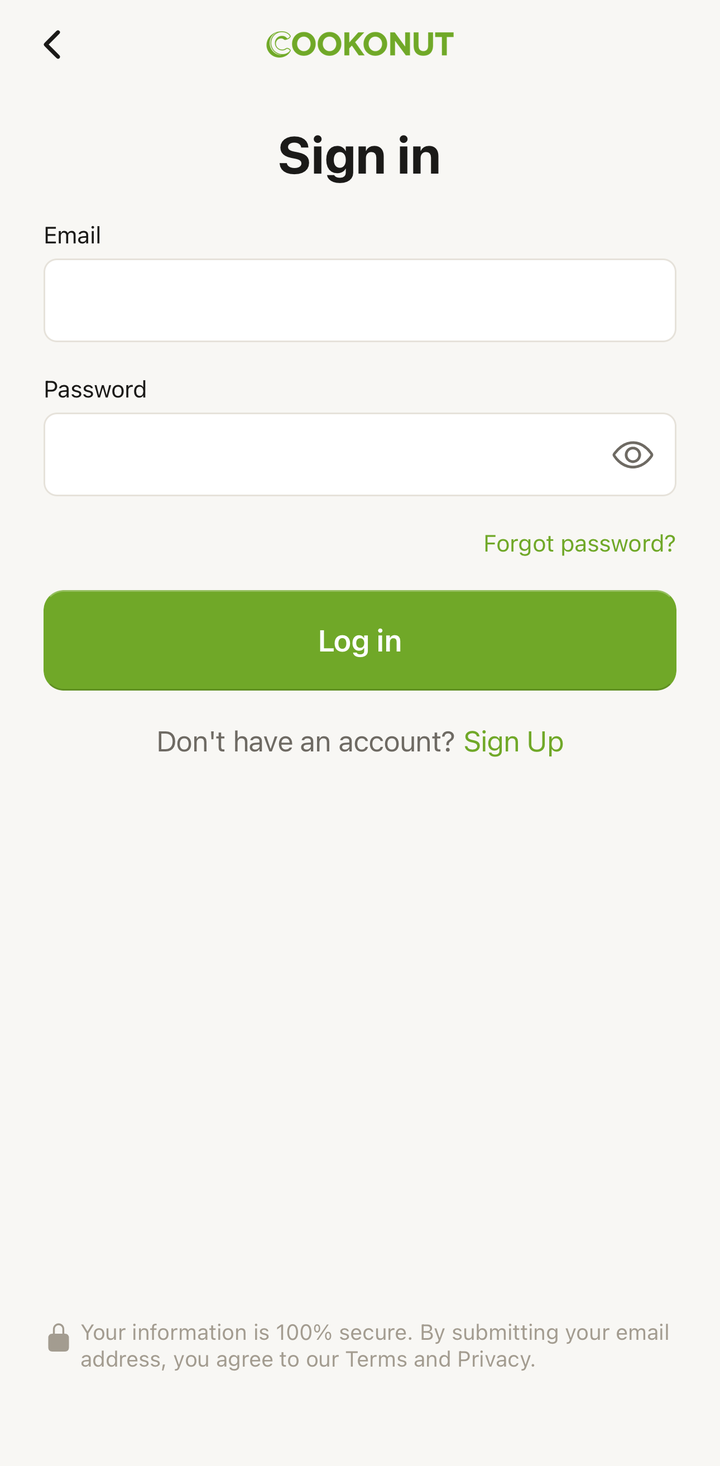
Forgot Your Password (Email Accounts)
If you signed up with email but can’t remember your password:
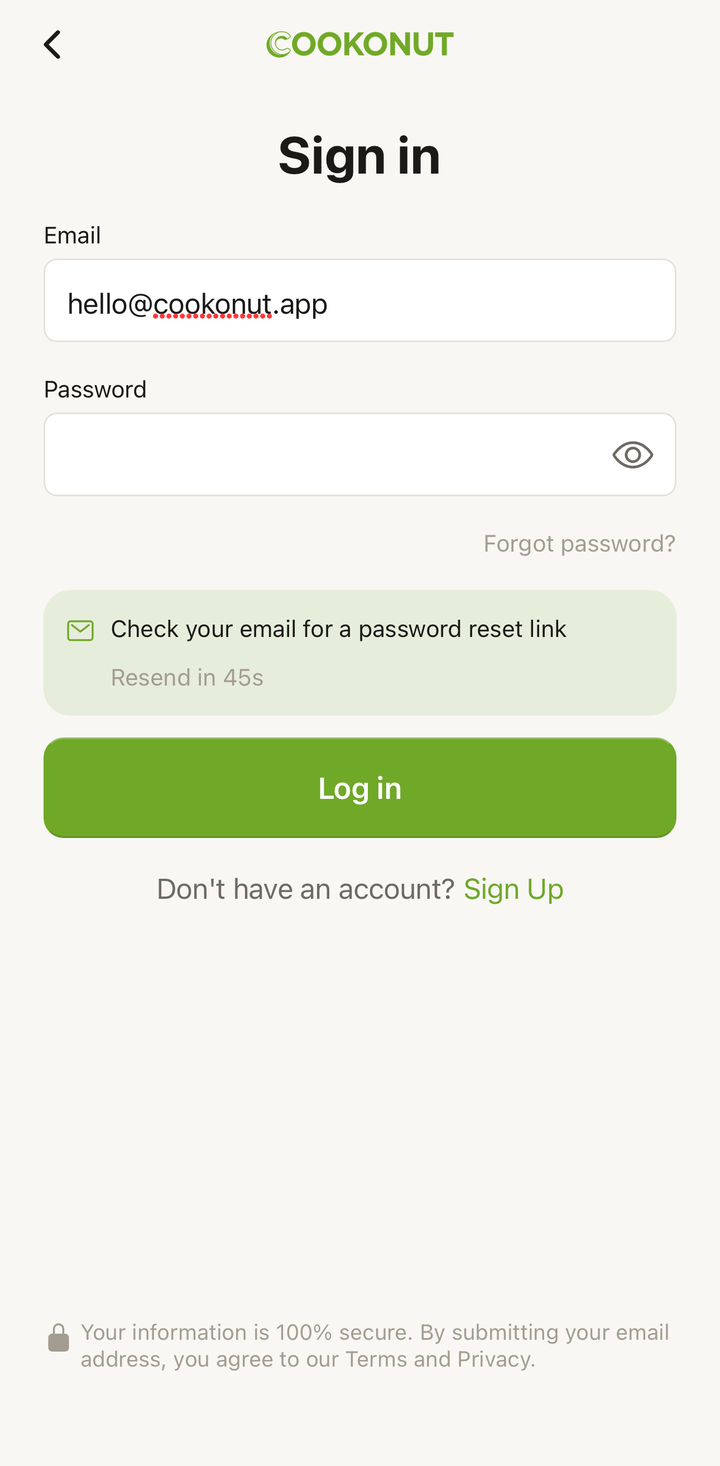
- On the sign-in screen, tap Forgot Password
- Enter the email address you used to create your account
- Check your inbox for a password reset email
- Tap the link in the email
- Create a new password
- Return to Cookonut and sign in with your new password
Reset email not arriving? Check your spam or junk folder. Wait a few minutes — sometimes delivery takes a moment. Make sure you’re entering the correct email address.
Don’t Remember Which Method You Used
This happens more often than you’d think. Try these in order:
- Apple Sign-In — if you’re on an iPhone and it was your first instinct when you signed up
- Google Sign-In — try each Google account you have
- Email Sign-In — try the email addresses you commonly use, with the forgot password option if needed
The app will tell you if there’s no account associated with a particular method, so you can safely try all three without risk.
After a Phone Reset or New Device
If you got a new phone or reset your device:
- Install Cookonut from the App Store or Google Play
- Open the app and tap Sign In (not Sign Up)
- Use the same login method you originally used
- All your recipes and data sync automatically
The key is to sign in, not create a new account. Creating a new account gives you an empty collection.
Last Resort: Contact Support
If nothing above works — maybe you can’t access your old Apple ID, lost your Google account, or don’t remember your email — reach out to us:
- Email: [email protected]
- Include any details you remember: the email address you might have used, when you created the account, or how many recipes you had
We’ll do our best to help you recover access to your account.
Tips to Avoid Future Lockouts
- Remember your login method — make a note of whether you used Apple, Google, or email
- Keep your email accessible — make sure you can always access the email address tied to your account
- Use a password manager — if you signed up with email, store your password somewhere safe
- Stay signed in — Cookonut keeps you signed in unless you explicitly sign out or uninstall the app
Thanks for your feedback! We're glad it helped.