
Import from Instagram (Android)
Articles in this section
🚀 Getting Started
📥 Importing Recipes
- How to Import Recipes
- Import from a Website
- Import from Instagram
- Import from Facebook
- Import from TikTok
- Import from Pinterest
- Import from YouTube
- Scan a Recipe from Photo
- Dictate a Recipe by Voice
- Import by Pasting Text
- Use the In-App Browser
- Write a Recipe from Scratch
- Review & Edit Before Saving
- Understanding Import Credits
📂 Managing Recipes
👨🍳 Cooking Mode
📅 Meal Planning
🛒 Grocery List
📤 Sharing & Export
💳 Billing & Subscription
⚙️ Account & Settings
ℹ️ About Cookonut
💡 Ideas & Feedback
Found a recipe on Instagram? Cookonut makes it easy to save recipes from posts and Reels on your Android device. You can share directly from the Instagram app.
Step-by-step
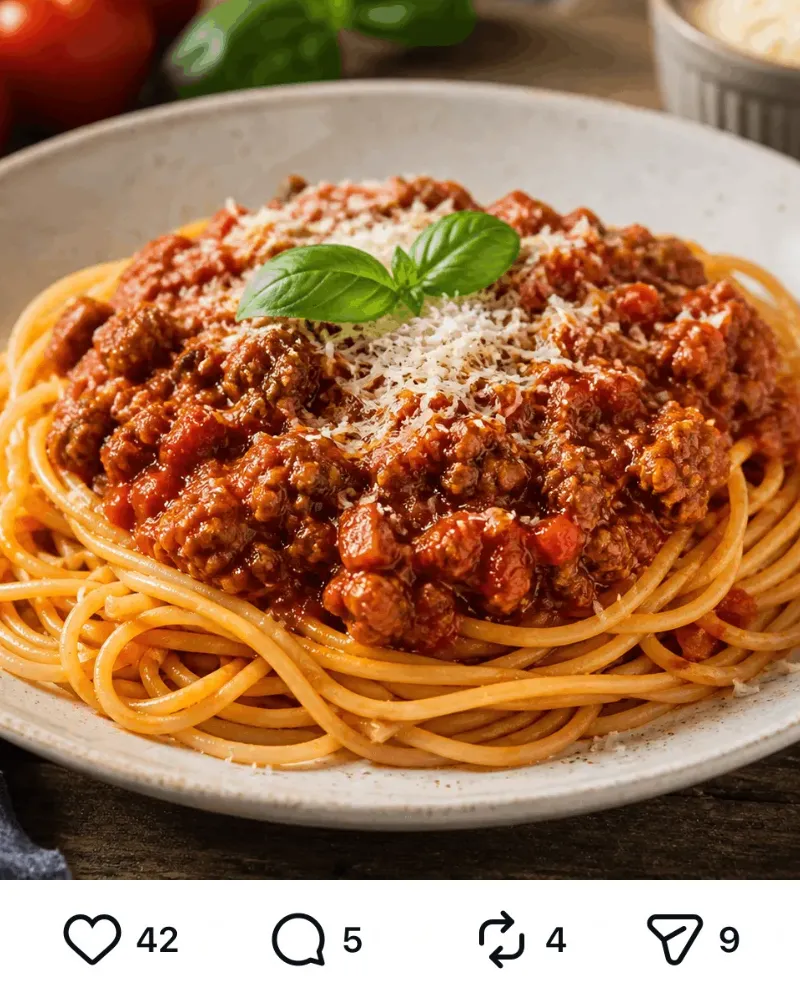
tap Send
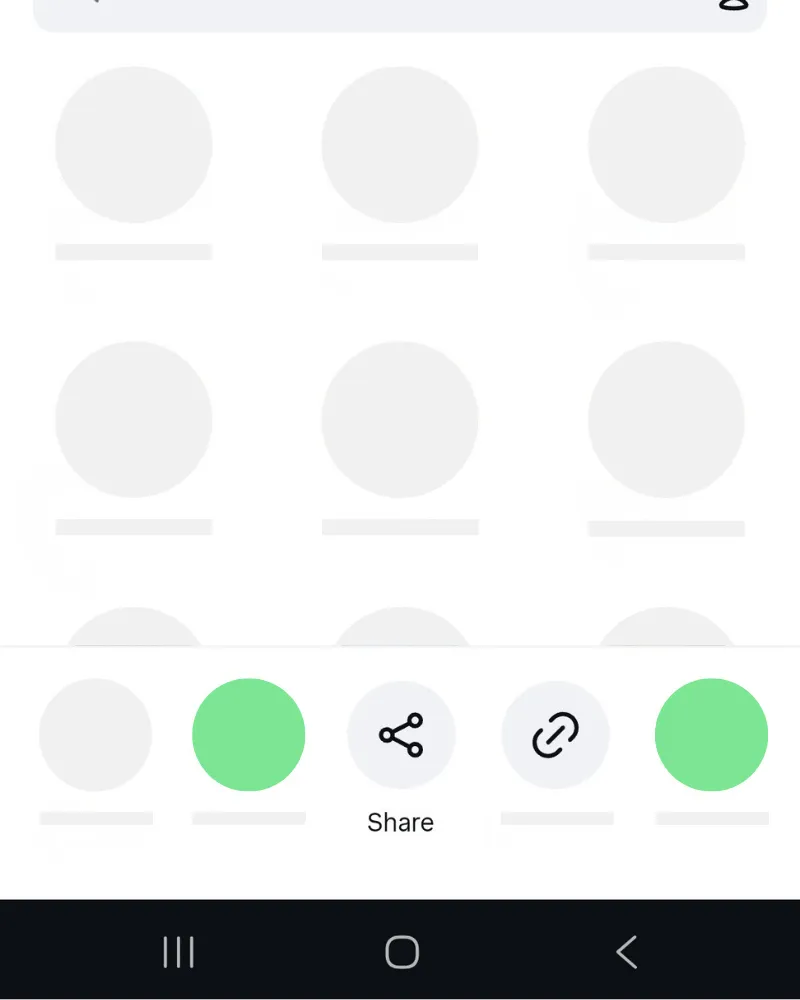
tap Share
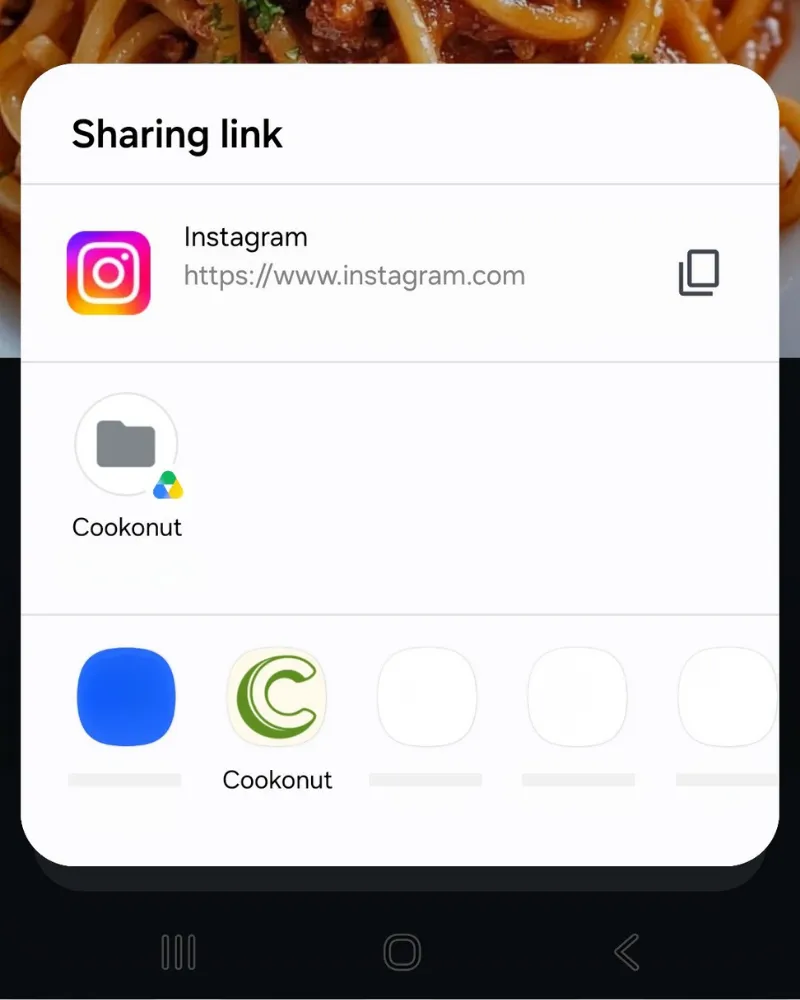
tap Cookonut
Use the Android Share Menu
- Open the Instagram post or Reel with the recipe
- Tap the paper airplane icon (share button) below the post
- In the Android share menu, select Cookonut from the app list
- Cookonut will open with the link pre-loaded — tap Import
- Wait while Cookonut’s AI extracts the recipe
If you don’t see Cookonut in the share menu, scroll through the available apps or check that Cookonut is installed and up to date.
What Gets Extracted
Cookonut works through the post in layers, moving to the next one only if the previous didn’t give a complete recipe:
- Caption — the written text under the post
- Carousel slides — text on the images, up to 10 slides
- The Reel itself — for Reels up to 90 seconds, AI watches the video: what’s said, on-screen text, and what’s visibly done. Nothing is downloaded to your phone.
Posts with the full recipe written in the caption produce the best results. If the recipe came from slides or the video, the preview shows a notice asking you to double-check amounts and step order.
Credit Usage
Each Instagram import uses 1 credit from your monthly pool, no matter how many layers Cookonut had to read. Free plan users get 10 credits per month; Premium users have unlimited imports.
Review Before Saving
Instagram recipes can be informal, so take a moment to review the extracted recipe on the preview screen before saving. Check that ingredients have correct quantities, steps are in order, and add any missing details like prep time or servings. When everything looks good, tap Save and the recipe joins your collection.
Thanks for your feedback! We're glad it helped.