
Import from YouTube (iOS)
Articles in this section
🚀 Getting Started
📥 Importing Recipes
- How to Import Recipes
- Import from a Website
- Import from Instagram
- Import from Facebook
- Import from TikTok
- Import from Pinterest
- Import from YouTube
- Scan a Recipe from Photo
- Dictate a Recipe by Voice
- Import by Pasting Text
- Use the In-App Browser
- Write a Recipe from Scratch
- Review & Edit Before Saving
- Understanding Import Credits
📂 Managing Recipes
👨🍳 Cooking Mode
📅 Meal Planning
🛒 Grocery List
📤 Sharing & Export
💳 Billing & Subscription
⚙️ Account & Settings
ℹ️ About Cookonut
💡 Ideas & Feedback
YouTube is full of cooking tutorials and recipe videos, but pausing to scribble down ingredients is no fun. With Cookonut on iPhone or iPad, you can import a recipe from any YouTube video using the iOS share extension.
Step-by-step
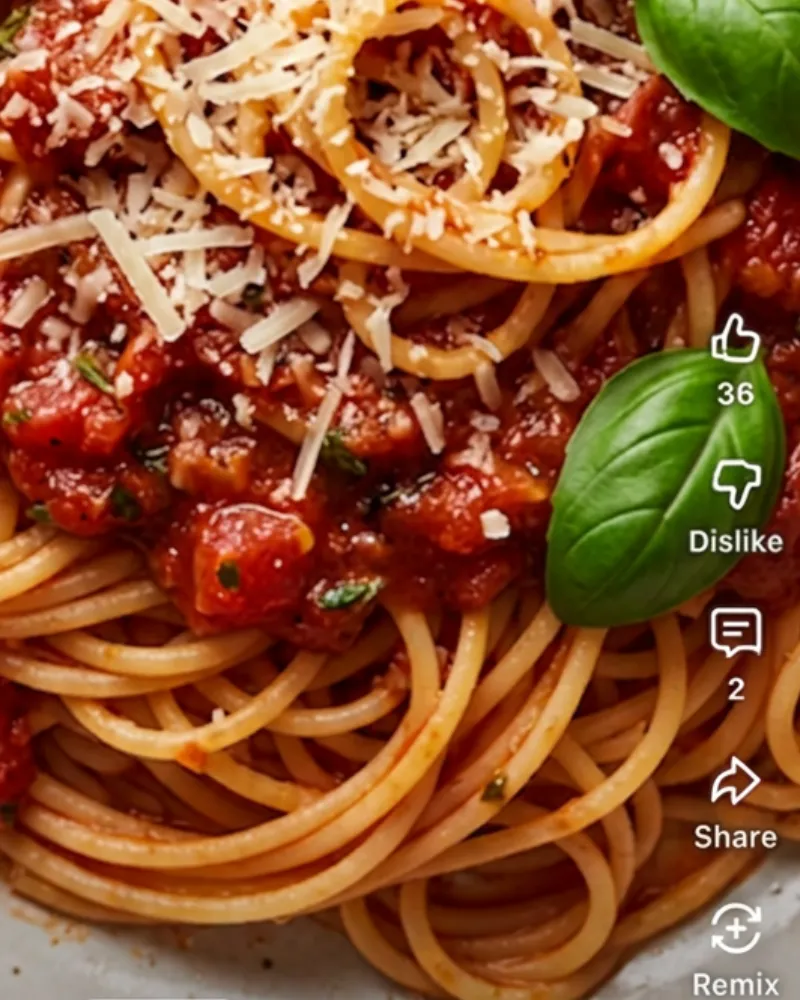
tap Share
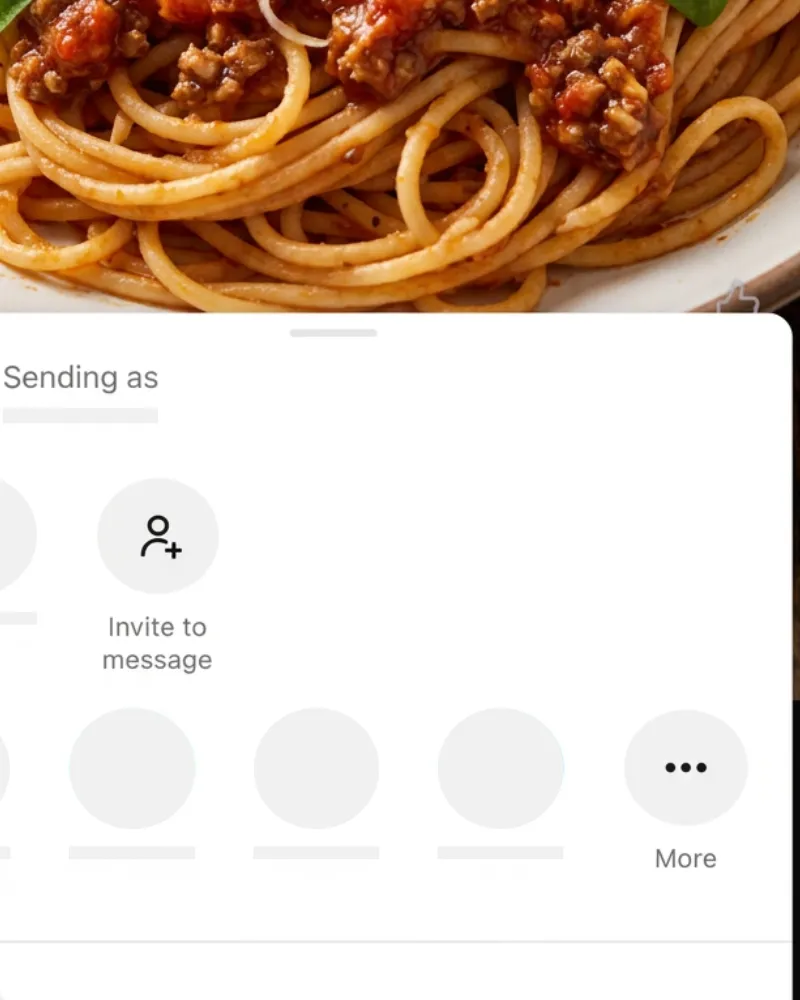
tap More
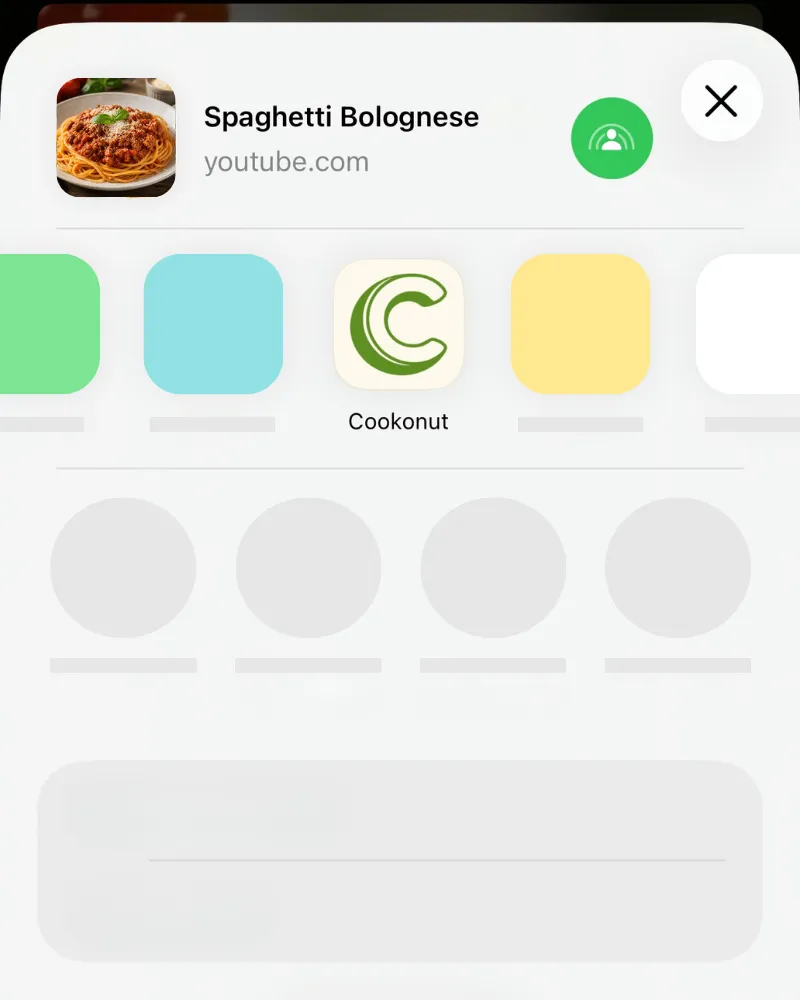
tap Cookonut
Use the iOS Share Sheet
The share extension is the quickest way to get YouTube recipes into Cookonut.
- Open the YouTube video with the recipe
- Tap Share below the video
- In the iOS share sheet, find and tap Cookonut (scroll the app row if needed)
- Cookonut will open with the link ready — tap Import
- Wait while Cookonut’s AI analyzes the video content
If Cookonut doesn’t appear in the share sheet, scroll to the end of the app row, tap More, and enable Cookonut in the list.
What Gets Extracted
Cookonut works through the video in layers, moving to the next only if the previous didn’t give a complete recipe:
- Title and description — the video’s written text
- The video itself — for Shorts and videos up to 3 minutes, AI watches speech, on-screen text and visible actions, read straight from YouTube
Shorts and videos up to 3 minutes are analyzed directly. Videos with full recipes written in the description produce excellent results. If the recipe came from the video, the preview shows a notice asking you to double-check amounts and step order.
Credit Usage
Each YouTube import uses 1 credit from your monthly pool, no matter how many layers Cookonut had to read. Free plan users get 10 credits per month; Premium users have unlimited imports.
Review Before Saving
After import, review the extracted recipe on the preview screen. YouTube imports depend on how much detail the creator included in their video description, so you may need to fill in missing quantities or expand brief steps. Check that everything looks correct and tap Save when you’re satisfied.
Thanks for your feedback! We're glad it helped.